Software Integration - Coding Application
Link your coders to your production, ERP or warehouse system so batch data reaches the pack without anyone retyping it.
Take manual batch entry out of the loop
On many lines someone still types the batch number and dates into each printer, and again whenever the product changes. Every manual entry is a chance for a wrong date or a missed update, and a mistake on a pack is expensive to put right.
Software integration lets the coder take its data from a central system: product, batch, date and any serial number are sent to the printer automatically. Depending on the printer and your systems, it can also select messages from a central list and report printer status. We review your setup and agree what is practical.
What can be fed to the coder
- Product and message selection
- Batch and lot numbers
- Production and expiry dates
- Serial numbers and unique codes
- Order or consignment references
Key features
What you can expect from a coding system set up for this pack.
- Fewer manual entriesData goes from your system to the printer, so operators are not retyping dates and batch numbers.
- The right message every timeThe correct message is selected for the product on the line, cutting wrong-label and wrong-date errors.
- Records you can matchCompare what was printed with production records, which helps if a batch is queried.
- One line or manyStart with a single line and extend the setup to others as your needs grow.
Built for Kenyan production lines
Many Kenyan manufacturers keep production records for buyers, auditors and export customers, and coding is often one of the last manual steps on the line.
- Practical setups that fit the systems you already use, not a system you have to replace.
- Fewer recalls and rework caused by wrong dates or batch numbers.
- Records that help show buyers and auditors what was printed and when.
- Local installation, training and support for your IT and production teams.
- A phased rollout, starting with the line where errors cost you most.
Recommended equipment
The products we most often fit for this application.
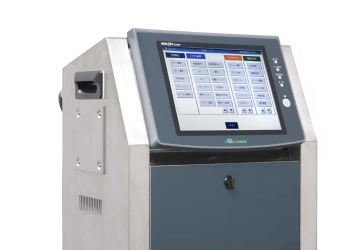
Continuous inkjet printers
Industrial inkjet coders that can receive data from external systems, depending on the model.
Explore product
Print examiners
Verification that what was printed matches what was sent.
Explore product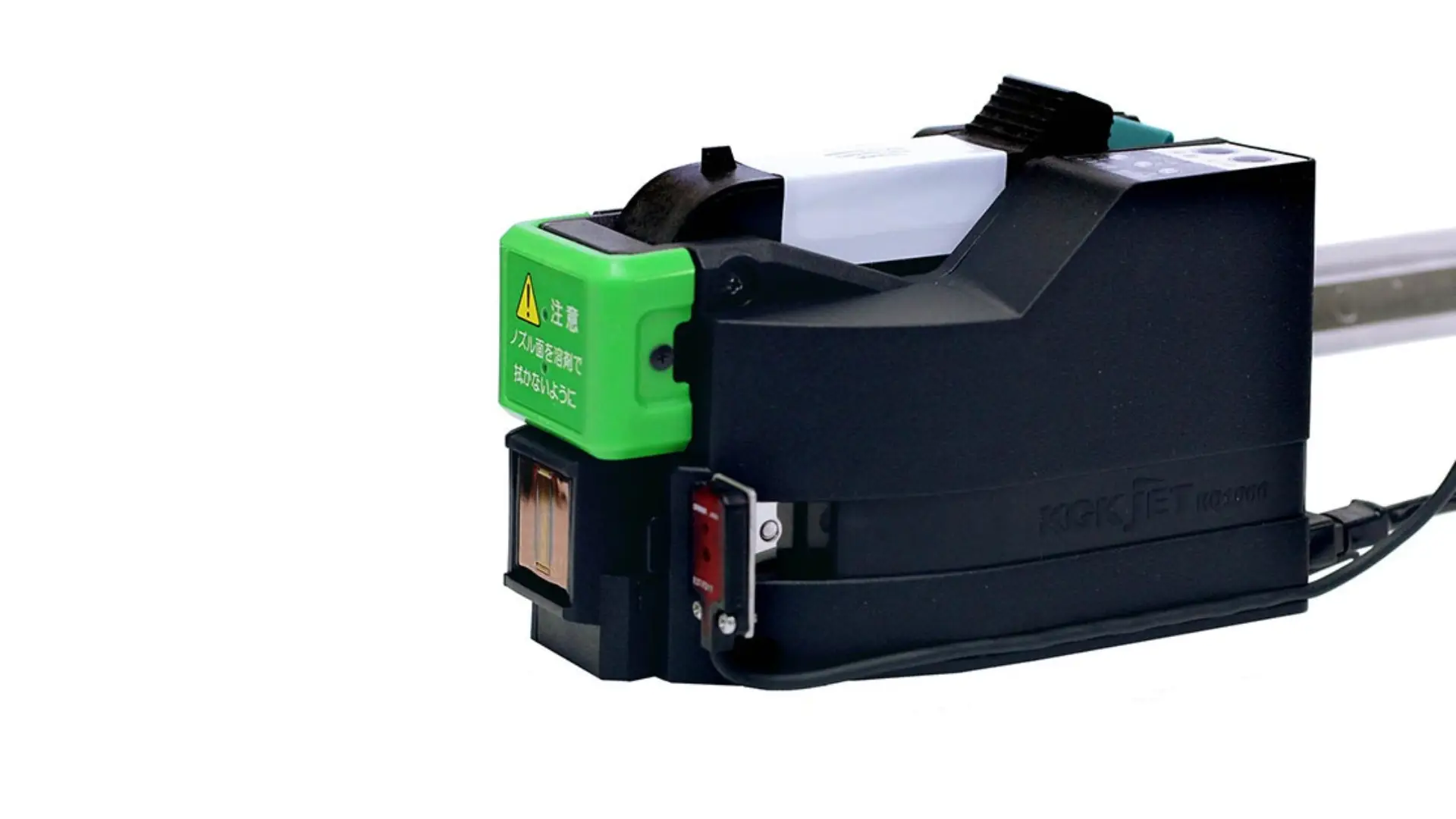
Service and support
Setup, training and support for the integration.
Explore productHow we work with you
Whatever you come to us for, the same clear process applies from first call to ongoing support.
-
Assess
We learn about your product, packaging, line speed and what needs to be printed.
-
Recommend
We propose the right printer, ink and layout, with a clear quote.
-
Install and train
We install and commission the system and train your operators on the line.
-
Support
Inks, spares and maintenance keep production running, with our team a call away.
Common questions
Do I need new printers to integrate with my systems?
It depends on the printer model and the system you want to connect. We review what you have and tell you what is possible before any purchase.
What systems can the coder connect to?
That depends on the printer and your setup. We start by looking at how production data is held today, and agree a practical way to deliver it to the coder.
Can the setup be introduced one line at a time?
Yes. Many sites start with one line and extend the setup once it is working.
Explore other applications
See how we approach coding on other kinds of packaging.
- Coding on Pouch
- Coding on Tetra Pak
- Coding on Flexible Films and Foil
- Coding on PET Bottles
- Coding on Carton Box
- Coding on Rigid Containers
- Coding on Shrink wrap
- Coding on Glass Bottles
- Coding on Cable and Wire
- Coding on Pipe
- Coding on Rubber parts
- Coding on Metal
- Coding on Label
- Coding on Ceramic
- Coding on Wood
- Coding on Food
- E-Commerce Packaging
- Coding on HDPE Bags
Ready to talk about your line?
Tell us what you pack and how fast you run, and our team will respond with options and next steps.
Make an enquiry